
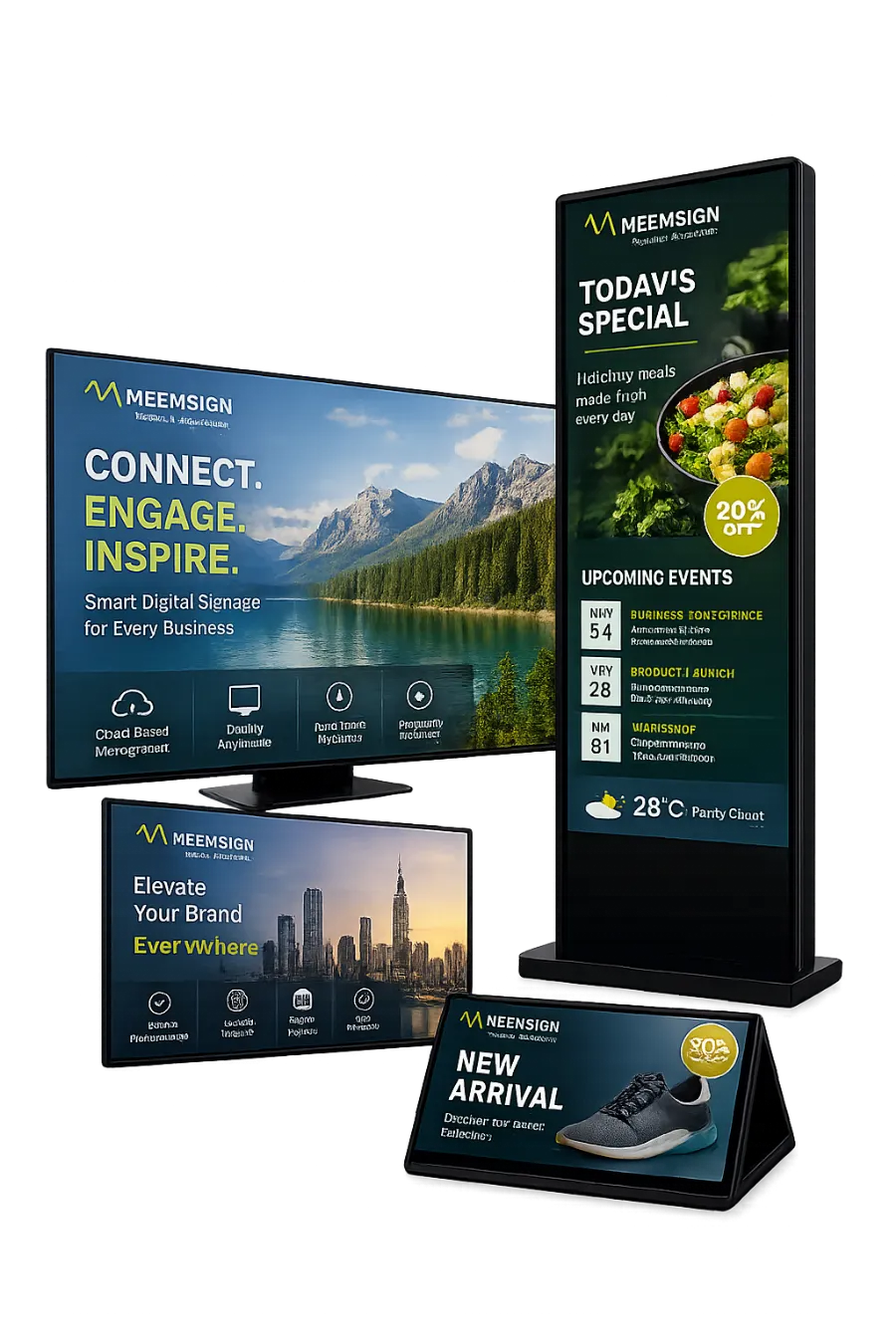
Design
Drag-and-drop designer
Drag and resize regions on the canvas, use region templates, and edit each region's timeline with reorder, trim, undo, redo, and transitions.
Digital signage CMS for Android, Tizen, and webOS
Meemsign helps businesses publish branded content, schedules, menus, announcements, live web content, and campaigns across Android, Samsung Tizen, and LG webOS screens from one clean command center.
Command center
Meemsign is designed for teams that need signage to be reliable, easy to update, and elegant enough for premium environments.
Illustration with sample data
Features
From designing a layout to proving it played, Meemsign covers the full signage workflow for marketing, operations, and IT teams.
Design
Drag and resize regions on the canvas, use region templates, and edit each region's timeline with reorder, trim, undo, redo, and transitions.
Scheduling
Timeline, daily, weekly, monthly, and yearly views. Recurring events, priority, and design groups that play campaigns in sequence.
Monitoring
Online status, uptime, remote screenshots, storage, and player version per screen, with email alerts when a screen goes offline.
Content
Bulk upload straight onto the timeline, track library usage, and clean up unused assets.
Reporting
Playback statistics by screen and media, availability and runtime reports, and monthly bandwidth, all exportable to CSV.
Control
Roles, per-item permissions, storage quotas, audit trail, session management, HTTPS enforcement, and PIN-locked player settings.
How it works
Install the player, authorise each screen in the CMS, and group it by site, department, or purpose.
Upload media, design layouts, and schedule content for the right audience moment.
Send updates live, track display status, and keep every location aligned without manual visits.
Devices
Install the Meemsign player, register the screen in the CMS, and it starts receiving content. Player settings are managed centrally from the CMS.

Android TVs, media boxes, tablets, and kiosks. Landscape and portrait profiles, orientation control, and scheduled update windows.


Samsung smart TVs and signage displays running Tizen, with no separate media player needed.

LG smart TVs and signage displays running webOS, with the player running directly on the screen.
Android is a trademark of Google LLC. Samsung is a trademark of Samsung Electronics Co., Ltd. Tizen is a trademark of The Linux Foundation. LG and webOS are trademarks of LG Electronics Inc.
Multilingual CMS
Each user picks their interface language from the top bar, so branch staff, marketing, and IT can manage screens in the language they know best. No extra setup needed.
Solutions
Use Meemsign wherever content has to stay fresh, accurate, and visually consistent for customers, visitors, or employees.
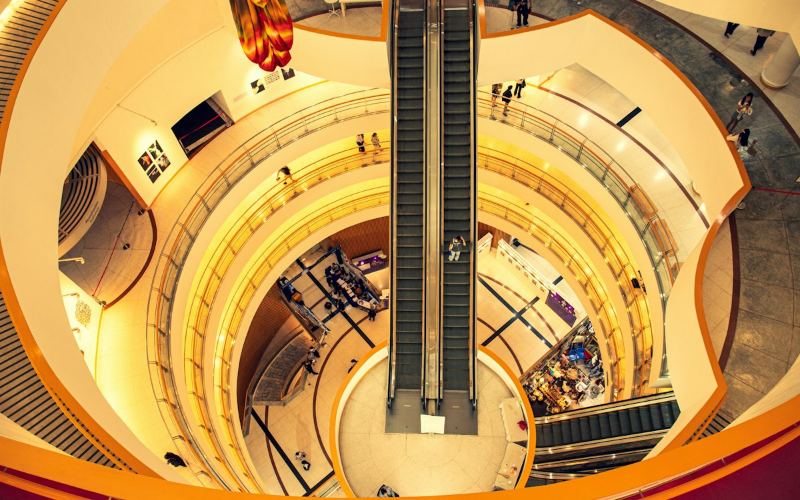 01
01Promotions, launches, wayfinding
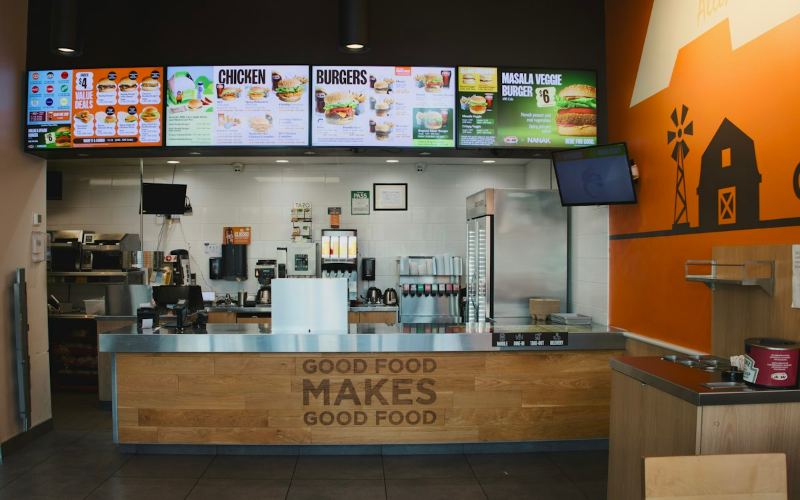 02
02Menus, offers, guest messages
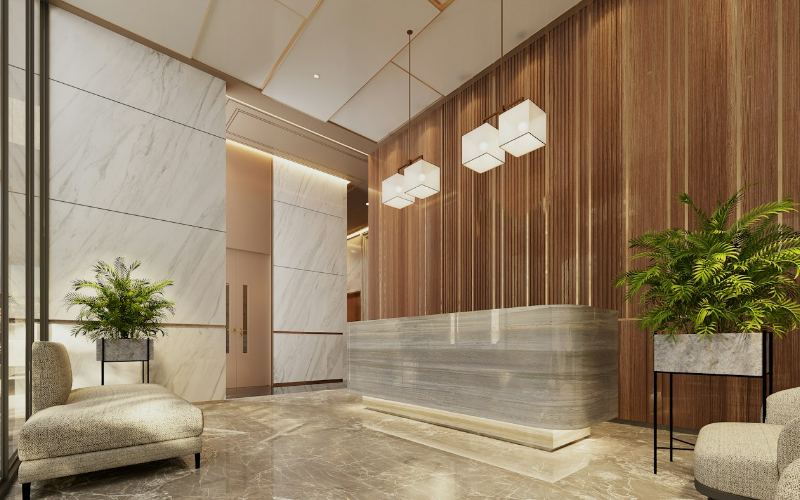 03
03Live web pages, HR updates, events
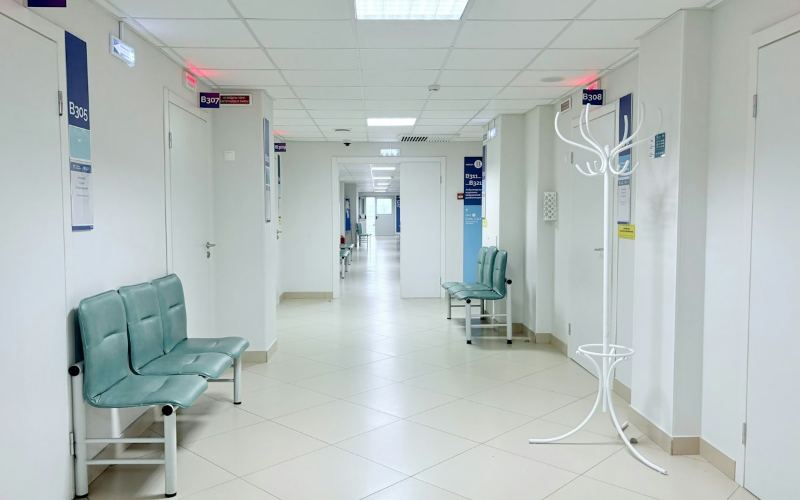 04
04Queue info, guidance, notices
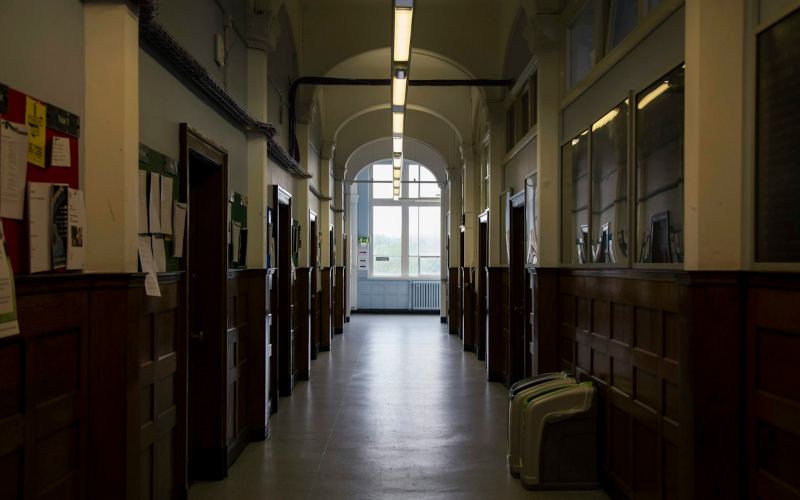 05
05Announcements, schedules, alerts
 06
06Status boards, safety, routes
Pick a ready-made resolution and design to the exact size of the screen. Choose a shape to preview it.
29 built-in sizes plus any custom resolution you need.
 1920
1080
16:9 Lobbies, offices, meeting rooms
1920
1080
16:9 Lobbies, offices, meeting rooms
FAQ
Short answers about hardware, connectivity, and day-to-day management.
An Android device, a Samsung Tizen display, or an LG webOS display. Install the Meemsign player, register the screen in the CMS, and assign content.
Content is downloaded to each player and stored locally, so screens keep playing their schedule. When the connection returns, the player checks in and picks up any changes. You can also get an email alert when a screen stays offline.
Yes. Download and update windows let players fetch media only during set hours, and bandwidth usage is tracked per screen and per month.
Proof-of-play statistics record what played, where, and when. Availability and bandwidth reports can be exported to CSV.
Yes. User groups, roles, per-item permissions, and storage quotas let each branch or department manage its own content without affecting others. Every change is recorded in the audit trail.
English, Arabic, French, Spanish, Italian, Hindi, and Russian. Each user can switch language from the top bar.
Bring together brand messaging, operational updates, and customer-facing content in a signage solution that looks sharp and stays easy to manage.